Every skip,counted out loud.
Prop up your iPhone, step back and jump. The camera counts every landing and says the number out loud, so your hands stay on the rope.
Prop it up.
Just jump.
SkipCount turns a phone on the floor
into a counter that talks.
Nothing clips to the rope or your wrist. The camera follows your hips and shoulders and counts each landing.
set by set.
while you jump.
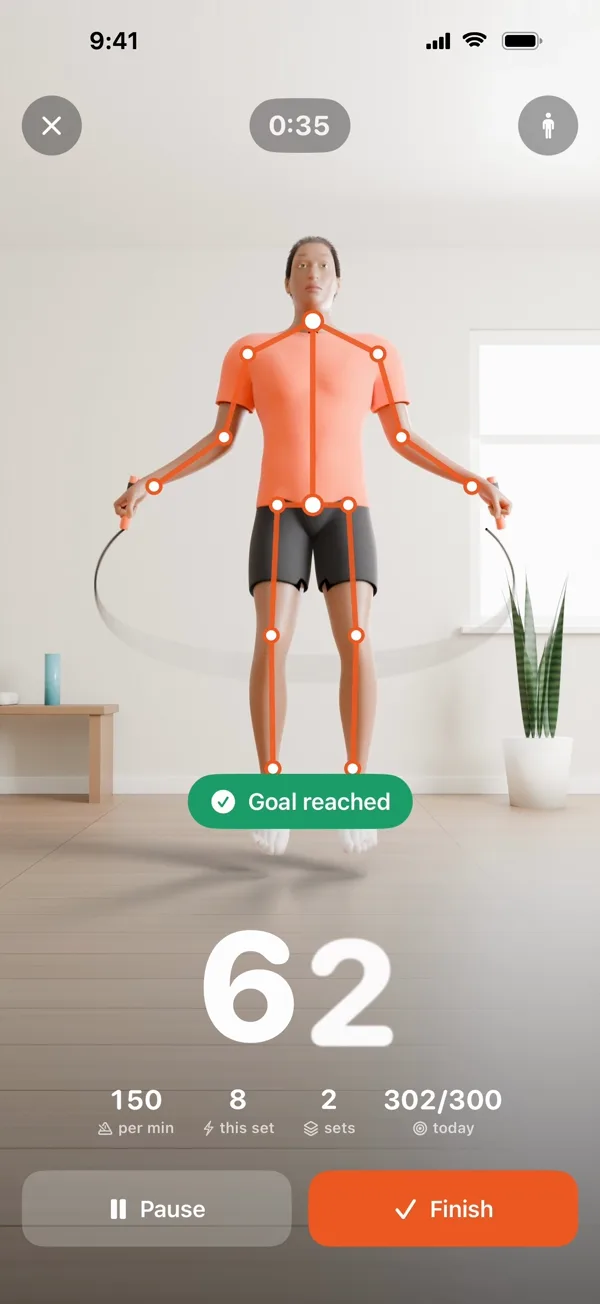
Live count
Your count fills the screen, with your tempo, the current set and today's total under it. Big enough to read from across the room.
See how it worksHands stay
on the rope.
The count is spoken out loud, so you never stop to look down.
 SkipCount
Home or gym,
same count.
SkipCount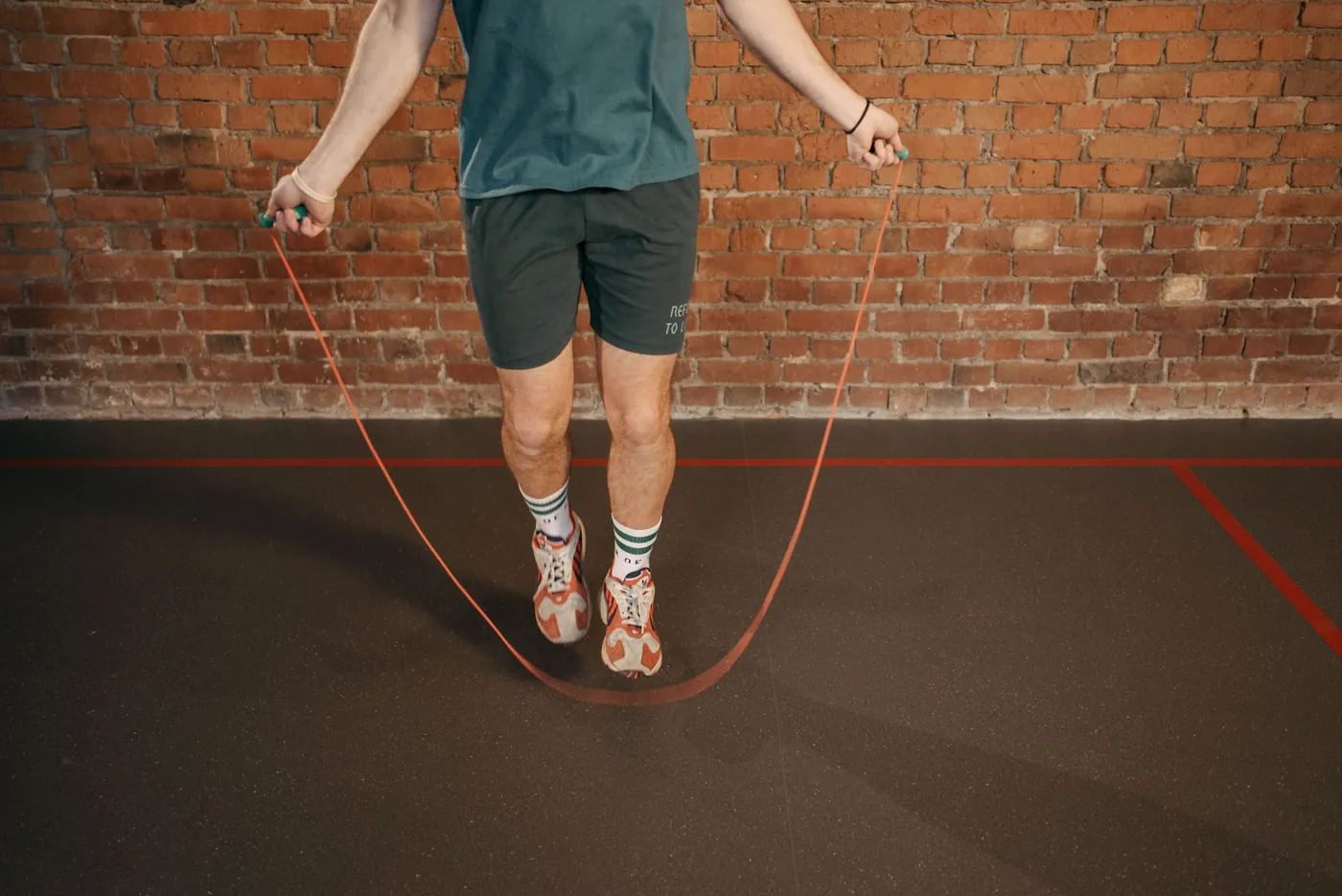
Every set,
kept.
SkipCountA streak for
every day you jump.
Daily, weekly and monthly challenges sized to your own goal.
SkipCount
Somewhere past fifty, everyone loses count. SkipCount keeps the number for you, so your eyes stay up and your feet keep moving.
Every landing adds one, with your tempo and sets beside it. Stop to rest and the set closes itself.
From the floor
to a full count.
All you need is something to lean the phone on and room to swing a rope.
Prop
Lean your iPhone or iPad against something at about knee height, camera facing you.
Step back
Two or three paces, until your whole body is in the frame.
Jump
After a 3-2-1 countdown, every landing is counted and the number is spoken.
Rest
Stop and the set closes. Start again and a new set begins.
Pick your minutes.
See your skips.
A quick estimate from time and pace. The app counts the real thing with your camera.
Minutes
Pace
Estimated skips
0 skips
Estimate, not a measurement. Skips = minutes × pace, with no breaks. Calories = MET × 3.5 × kg ÷ 200 × minutes, using MET 8.8 below 100 skips a minute, 11.8 from 100 and 12.3 from 140 (Compendium of Physical Activities values for rope jumping). The app uses the same model with 70 kg and counts only the time you are actually jumping.
Count my real skips
Thousands of jumps
a month.
A few minutes of rope a day adds up fast. SkipCount makes sure every jump counts.
Questions, answered.
How does a jump rope counter app count skips?+
SkipCount uses your iPhone or iPad camera. Apple's on-device body pose detection finds your hips and shoulders, and the app counts a jump each time they rise and land. Nothing is attached to the rope or worn on your wrist. The video is analysed live on your device and never recorded.
Where should I put my phone to count jump rope?+
Lean it against a wall, a chair leg or a water bottle at about knee height, camera facing you. Step back two or three paces until your whole body, head to feet, is in the frame. The app shows a hint while it cannot see all of you.
How accurate is camera counting?+
With your whole body in frame and even light it counts each landing, but it can still miss a jump or count an extra one. Small, low hops are the hardest to see, and deep knee bends can read as hops. Settings has a sensitivity control (low, normal, high) for both cases.
How many calories does jumping rope burn?+
For a 70 kg adult, roughly 11 to 15 kcal a minute, depending on pace. The estimate is MET (8.8 slow, 11.8 moderate, 12.3 fast) × 3.5 × weight in kg ÷ 200, per minute. SkipCount shows it for every session, counting only the time you were jumping, and can save it to Apple Health.
Is my camera video saved or uploaded?+
No. Frames are analysed on your device and discarded within a fraction of a second; no image or video is stored or sent anywhere. There is no account and no advertising. The app does send anonymous usage statistics, such as how many jumps a workout counted, never your video.
Is SkipCount free?+
Counting in Just jump mode is free every day, with the spoken count, daily goal, streak, challenges and badges. SkipCount Pro adds every timer, goal mode, changing your daily goal, full history and the calendar. Pro is monthly, with a free week if you are eligible, or one Lifetime payment. Prices show in the app.
Your next set,
counted.
